
Let’s be clear - vibe coding is a tech bro slang. It was coined by OpenAI’s co-founder Andrej Karpathy back in February 2025. It allows someone without coding knowledge to build something through natural language with an AI model.
If we put aside the fact that terminology comes directly from the AI companies themselves - obviously their goal is to drive adoption and potentially revenue (that’s a black hole of debt for another day of discussion), as well the negative connotation of it being associated with AI slop or poorly designed unscalable pipe dreams… this is however, a paradigm shift in how we approach software design.
Giving form to your ideas
Ever since the term vibe coding gained popularity, folks (and I don’t mean just tech folks) have been running wild and we have definitely seen an explosion of AI produced web apps.
There’s also a lot of negative sentiment around it because of job security. Does this mean we don’t need software engineers or designers anymore? Quite the opposite actually. While there are many great ideas out there, they are by design still ideas, given a physical tangible form.

Graphics from The National CIO Review
Majority of these are weekend throwaway projects, where you spend a couple of hours prompting an idea into a web app, and then host it somewhere to share. And yet, these are the ones making the headlines and trending virally.
Building systems not software
But they are not scalable and not ready for production unless you iterate, test, build past the initial dopamine hit of “oh I can do this in a few hours”. Why do I say that? Software design is essentially what vibe coding is doing. It’s tactical, low-level process that is meant to solve one problem at a time. Things like:
- Make the button bigger
- Centralize the text
- Add an image to the side
The problem with vibe coding is not that it doesn’t write correct code, it does very precisely actually since it has access to numerous community codebases, official documentations, APIs and more. It knows how to give you what you ask for. But is it the most efficient way? Is it the best way? Unless you think like a software engineer and tell AI to code in a specific way, you probably end up with, for example, a hardcode text size that is assigned to every component in your app instead of a shared asset - which is in coding standards known as DRY (don’t repeat yourself).
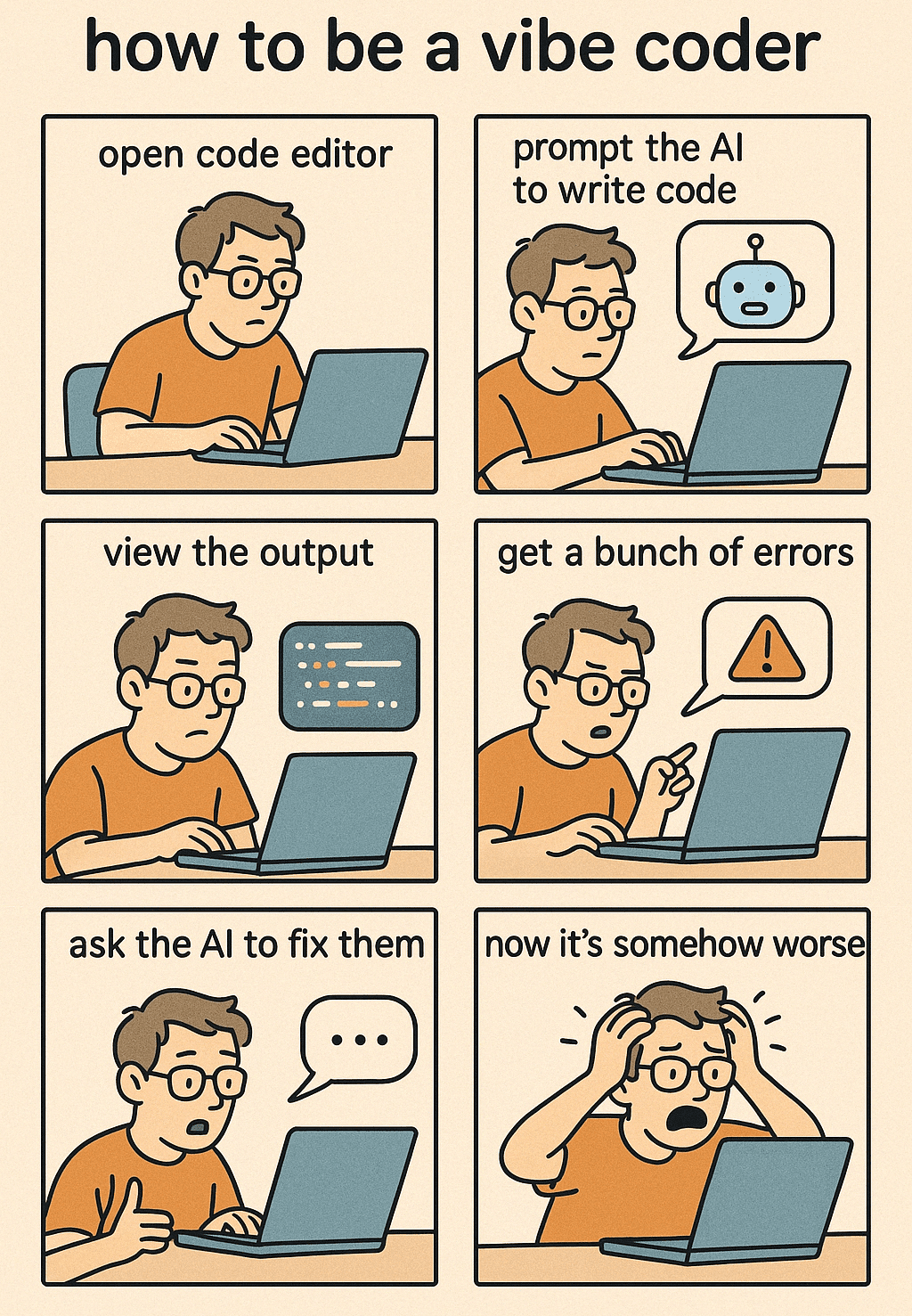
And the result of that is you’ll hit a brick wall trying to prompt AI to fix a specific component and having them be confused about which value u mean. There’s also things like proper naming conventions, modularity, consistency which makes debugging a whole lot easier - not just for AI but also for someone looking at your code and trying to change something.
Well of course you can ingest a SKILL.md (kinda like a set of repeatable instructions), but that comes with domain knowledge, which doesn’t apply to a lot of folks who are just vibe coding and rushing out an idea.
A coding partner and advisor
Instead of using Claude as a chatbot to get a prototype out, use it as an assistant. As their manager, you’ll need to give clear instructions, get them to plan in steps what they are gonna do, then you review and approve their plan. Another pitfall folks find themselves in, is trying to do too much in one go. All AI models have a context window - think about it like a brain with limited space. Even as humans, we have a limit of how much information we can hold before we start to forget stuff.
Many paths to the same end
Whether you’ve been coding for a while or have just started on this journey, there’s an influx of AI-influencers promising you the sky if they follow their prompts, etc. Not that it doesn’t work (some of them are pretty good). If you don’t understand the concept of how things work, you’re just building just for novelty.
Now, I don’t claim to know everything or the best prompts/skills/methods. But after working on several projects end-to-end (including some dogshit that I threw away), here are some stuff that works for me.
1 - Use Skills sparingly
Skills are essentially markdown files that you can install to your Claude that can be used to enhance your prompts either explicitly (/use-skill your prompt) or automatically with trigger words defined in the skill file.
These are great for adding in adjacent knowledge you don’t have. But it bloats your context window if you have too many loaded, which directly impacts how much "usable" memory you have for your actual prompts. So load them according to what you lack for the project. (i.e. don’t load design skills for writing a doc, or don’t load market research skills for coding an app)
2 - Also, use MCP sparingly
Don’t get me wrong, Model Context Protocols (MCP) are extremely powerful because it gives you everything you need to communicate with another tool stack (Tableau, Figma, Playwright, Higgsfield, etc) but again, load what you need. I think the other end of the spectrum which folks might not know about it, MCP tools load ALL available functions/API, and not just what you are using. Which means that information gets added to every prompt you send, which again bloats your context window.
3 - Start with Plan mode if it’s a big project
Claude is not a mind reader. Sure it predicts pretty accurately what you need but it also assumes a lot for you. Prompt your idea or tasks in plan mode, and Claude thinks deeper (which basically means it iterates more before giving you the answer). From then, you can revise by pushing back on things you don’t want, adding things it missed, or modify stuff that Claude suggests, before they start actual work. Now this might take a couple of iterations and it does eat into context because plans are longer and more detailed in nature (more words = more context) but the good thing is you can then, drop the plan file into a new session and start directly from there. That way, you flush all the arguments you had with Claude and have it stick to what is finalized.
But of course, you don’t have to start with a plan if you’re just asking about the weather… or making an itinerary 🤣
4 - One feature at a time
One of things I like to do during the planning phase is to get Claude to prioritize and break the whole project into phases/sprints, each ending with testing/QA. And with that, build one feature in a fresh session every time so that Claude doesn’t get confused which feature you’re talking about.
5 - Leveraging AI-context/project instructions markdown files
I talked about SKILL.md earlier but there’s more that you may or may not know about. You won’t be using it for one-off output, but these become more valuable as you have repeatable tasks or a big project.
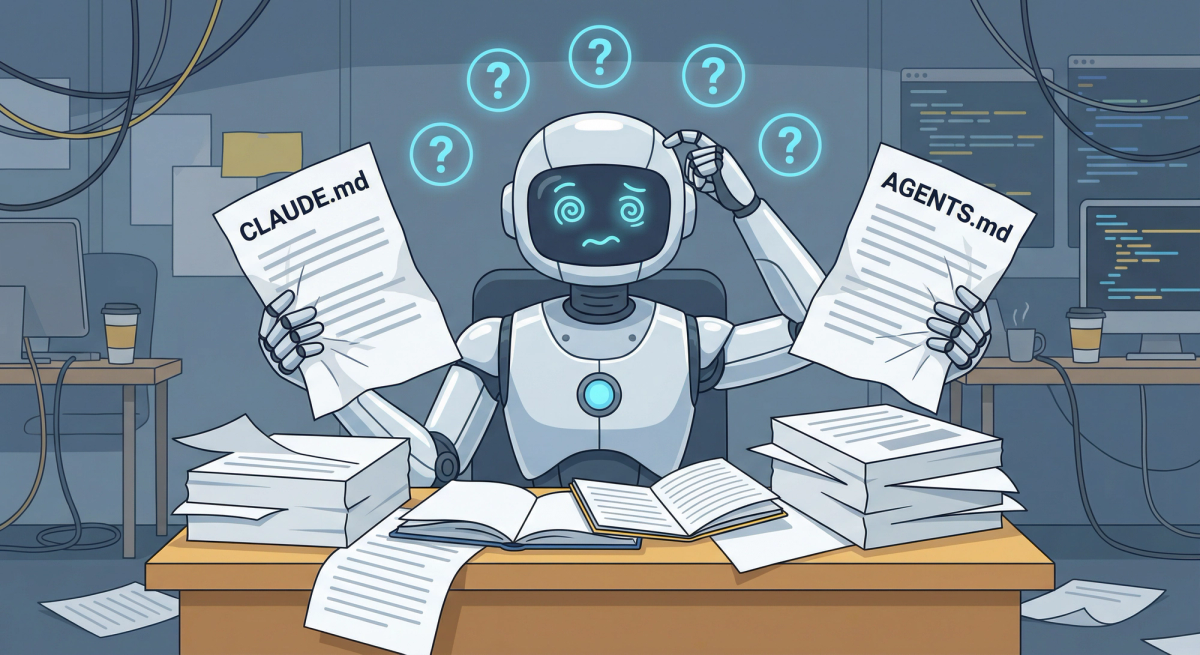
To start off, these markdown files live in a specific project folder but can have different variations/instructions if you have mutliple projects in a shared root folder.
CLAUDE.md
This is the primary configuration file and every prompt reads this first before anything else. It basically tells the AI how to behave, what build/deploy commands to run, coding conventions, and where to find other project files. So in some sense, it acts as the main orchestrator/navigator. Now as I said earlier, there can be multiple variants of this depending on your setup. For example:
Main Folder/CLAUDE.md
- Contains info about your whole tech stack/default deployment preference
- Anti behavior (what not to do - i.e. don’t delete files without permission, don’t assume if unsure)
- What projects are available, what they are and where they are
Main Folder/Project 1/CLAUDE.md
- Specific workflow for this project (test before deploy, send email before big change, etc)
Main Folder/Project 2/CLAUDE.md
- Anti behaviors (don’t make up numbers, only take from source)
So what happens is if you are working on Project 2, every prompt loads the main folder’s CLAUDE.md file first. Then it loads Project 2’s CLAUDE.md and if there’s conflicting instruction, the latter would take precedence. After that, whatever you prompt will take effect. Now this is extremely useful for putting in guardrails and strict ways of working but as always it’s prone to context bloat if you have too much. The general rule of thumb is less than 200 lines. Although less is better, especially if you have a cascading structure - that’s potentially 400 lines.
You can definitely ask Claude to write it for you. But I would suggest doing a manual sweep and removing parts you don’t need. Claude ALWAYS overengineers 🤣
So that’s one. Then there’s also:
DESIGN.md
Your visual rulebook. What colors to use, what fonts, what layout structure, spacing - all of it. This is the piece that differentiates what looks like AI slop and what doesn’t. Plus this is the system that Claude would adhere by, when creating new elements so you don’t have to keep telling it to fix it.
PRODUCT.md
This is your product requirements or spec sheet as some would call it. it outlines your goals, user personas and core features your application is trying to build. Think of this as your brain dump, your business logic and your reasoning on certain decisions you make.
PROGRESS.md
Your canonical status tracker and roadmap. It keeps a running log of what has been built, what’s currently being worked ln, and what bugs/pending tasks remain. This is crucial as you manage your context by building one feature at a time, and making sure Claude follows accordingly. Plus, it helps when you need to take a break and resume later.
To be honest, it’s nice to have all of them but it really depends on what you are trying to build. A simple recurring report? Just a CLAUDE.md would suffice for most. A web app with multiple pages, adding DESIGN.md would help in ensuring consistency and less troubleshooting. A full fletched game? Definitely all of it.
The more you explore, the more you realize Claude is just a tool like any other. And the more you understand the intricacies of how it works (which a lot of folks don’t), the more you can bend it to your will and really improve your effectiveness and efficiency.
So a TLDR version would be - AI has limited memory, so manage your context carefully by:
- Loading only what you need (Skills, MCP, folders, etc)
- Define, iterate and cascade system markdown files (CLAUDE, DESIGN, PRODUCT, PROGRESS)
- Always use plan mode for big projects, save final plan and start a new session to work on it
- Build one feature at a time
So I’ll wrap it up by saying, if you have a proper workflow like this… it’s not really vibe coding already isn’t it. It’s more like AI-assisted coding because there’s human intentionality built in every step. And in this AI world, that’s exactly what we need to keep.
Hope this is useful. And if you need more tips, just ping me on Slack or send me an email. I don’t bite 😉